
Album Cover Animation
Animation
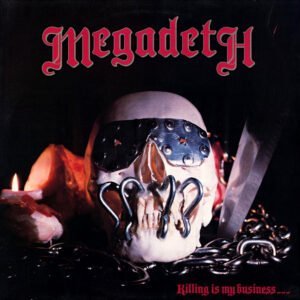
is My Business...
And Business is Good!
"The rise of AI as we know it made me transition
from a static world to a dynamic universe."


FIQUE POR DENTRO
Led by Singer/Songwriter, Guitarist MANZON, Bruno Carvalho is a 2D Animation Specialist currently working on the development of his own digital frame business.
Now Available
for Desktop, laptops, tablets and mobile.
Killing is My Business...
And Business is Good! (1985)
Animated Album Cover Wallpapers


Main Features

Excellent on Google
5.0 out of 5 based on customer reviews.

Mutable Sound Effects

Wallpaper Engine Ready

Seamless Loop Animations

Full High Resolution Wallpapers

Exclusive High-Res Ambient Audio
Few devices may not support animated wallpapers as the cellphone's background or lock screen saver. Before purchasing, please check your device's compatibility with dynamic content such as animated *.GIF images and *.MP4s video files.

What is
The AnimaFrame?
THE ULTIMATE DIGITAL DISPLAY
The AnimaFrame™ is a state-of-the-art digital display designed to replace traditional wall art frames as we know them today.
With it, you can BRING YOUR HOME TO LIFE™ by decorating with the most advanced dynamic content available today, such as ultra-realistic and super-dynamic real-time animations, the most incredible thing in the decoration market today.
In other words, the AnimaFrame™ is custom-made to showcase your favorite bands' album cover animations with exclusive features.
Album Cover Animation
The Ultimate Marketing Tools for Artists
KISS your wallpaper goodbye with stunning album cover wallpapers of your favorite bands.
Contact
Get in Touch!

MANZON, Bruno Carvalho
CARVALHO-MANZON Digital Arts Institute
Business Information
 CARVALHO-MANZON Digital Arts BUSINESS NAME
 MANZON, Bruno Carvalho BUSINESS OWNER
 Rua Frederico Guarinon, 125 BUSINESS ADDRESS
 +55 (11) 97419-7364 BUSINESS PHONE NUMBER
 bruno@carvalho-manzon.com BUSINESS E-MAIL
 carvalho-manzon.com OFFICIAL WEBSITE
Few devices may not support animated wallpapers as the cellphone's background or lock screen saver. Before purchasing, please check your device's compatibility with dynamic content such as animated *.GIF images and *.MP4s video files.
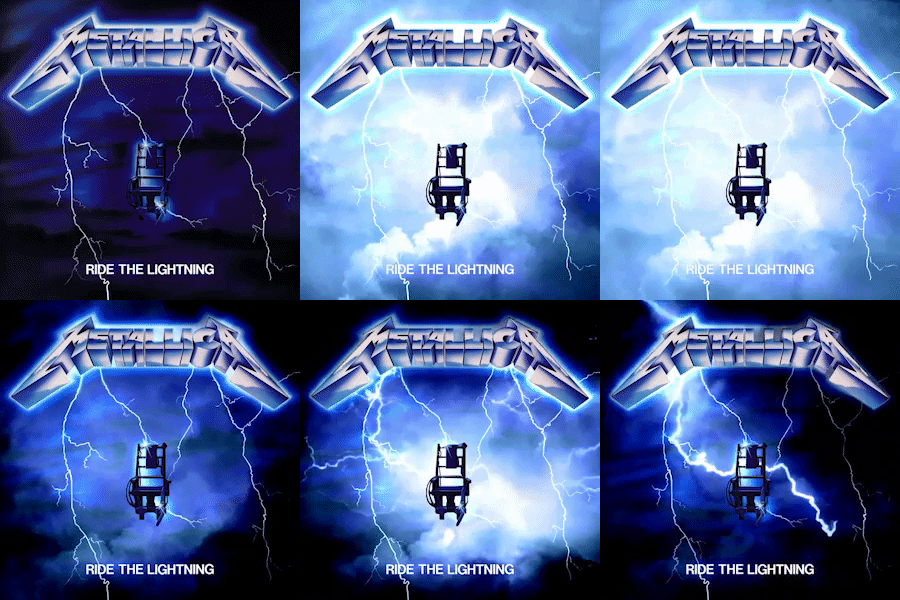
Animated Album Covers
on Instagram social media account.
New Services
 Spotify Canvas FOR ARTISTS
 Animated Wallpapers DESKTOP/MOBILE
 Animated Lyric Videos FOR ARTISTS
Animated Digital Booklets FOR ARTISTS
Few devices may not support animated wallpapers as the cellphone's background or lock screen saver. Before purchasing, please check your device's compatibility with dynamic content such as animated *.GIF images and *.MP4s video files.

Business Services
on Instagram social media account.
Business Services
Animated Album Covers FOR ARTISTS
Animated Book Covers FOR AUTHORS
Canvas for Spotify (MSPs) FOR ARTISTS
Animated Digital Booklets FOR ARTISTS
Animated Logos FOR ARTISTS
Few devices may not support animated wallpapers as the cellphone's background or lock screen saver. Before purchasing, please check your device's compatibility with dynamic content such as animated *.GIF images and *.MP4s video files.
Related Websites
on Instagram social media account.
Related Websites
Album Cover Wallpapers ACCESS WEBSITE
Animated Album Cover ACCESS WEBSITE
Animated Album ACCESS WEBSITE
Album Cover Animation ACCESS WEBSITE
Album Cover Wallpaper ACCESS WEBSITE
CoverClass™ MasterClass ACCESS WEBSITE
Few devices may not support animated wallpapers as the cellphone's background or lock screen saver. Before purchasing, please check your device's compatibility with dynamic content such as animated *.GIF images and *.MP4s video files.
Immerse yourself in true innovation with cutting-edge technology that brings seamless animated album cover wallpapers to life. Certainly, these groundbreaking animations go beyond traditional wallpapers, delivering exceptional detail and captivating visual experiences above all.
Business Timeline

Today
with a fantastic seamless loop animation.

2024
DECEMBER
- (17) new animations are released
- Pink Floyd (The Dark Side of the Moon, 1973)
- Iron Maiden (The Number of the Beast, 1982)
- First Artist post (Em Frente, Hotel Cubano)
NOVEMBER
- (17) new animations are released
- Pink Floyd (The Dark Side of the Moon, 1973)
- Iron Maiden (The Number of the Beast, 1982)
- First Artist post (Em Frente, Hotel Cubano)
OCTOBER
- (17) new animations are released
- Pink Floyd (The Dark Side of the Moon, 1973)
- Iron Maiden (The Number of the Beast, 1982)
- First Artist post (Em Frente, Hotel Cubano)
SEPTEMBER
- (17) new animations are released
- Pink Floyd (The Dark Side of the Moon, 1973)
- Iron Maiden (The Number of the Beast, 1982)
- First Artist post (Em Frente, Hotel Cubano)
AUGUST
- (17) new animations are released
- Pink Floyd (The Dark Side of the Moon, 1973)
- Iron Maiden (The Number of the Beast, 1982)
- First Artist post (Em Frente, Hotel Cubano)
2023
DECEMBER
- (17) new animations are released
- Pink Floyd (The Dark Side of the Moon, 1973)
- Iron Maiden (The Number of the Beast, 1982)
- First Artist post (Em Frente, Hotel Cubano)
NOVEMBER
- (17) new animations are released
- Pink Floyd (The Dark Side of the Moon, 1973)
- Iron Maiden (The Number of the Beast, 1982)
- First Artist post (Em Frente, Hotel Cubano)
OCTOBER
- (17) new animations are released
- Pink Floyd (The Dark Side of the Moon, 1973)
- Iron Maiden (The Number of the Beast, 1982)
- First Artist post (Em Frente, Hotel Cubano)
SEPTEMBER
- (17) new animations are released
- Pink Floyd (The Dark Side of the Moon, 1973)
- Iron Maiden (The Number of the Beast, 1982)
- First Artist post (Em Frente, Hotel Cubano)
AUGUST
- (17) new animations are released
- Pink Floyd (The Dark Side of the Moon, 1973)
- Iron Maiden (The Number of the Beast, 1982)
- First Artist post (Em Frente, Hotel Cubano)
2022
DECEMBER
- (17) new animations are released
- Pink Floyd (The Dark Side of the Moon, 1973)
- Iron Maiden (The Number of the Beast, 1982)
- First Artist post (Em Frente, Hotel Cubano)
NOVEMBER
- (17) new animations are released
- Pink Floyd (The Dark Side of the Moon, 1973)
- Iron Maiden (The Number of the Beast, 1982)
- First Artist post (Em Frente, Hotel Cubano)
OCTOBER
- (17) new animations are released
- Pink Floyd (The Dark Side of the Moon, 1973)
- Iron Maiden (The Number of the Beast, 1982)
- First Artist post (Em Frente, Hotel Cubano)
SEPTEMBER
- (17) new animations are released
- Pink Floyd (The Dark Side of the Moon, 1973)
- Iron Maiden (The Number of the Beast, 1982)
- First Artist post (Em Frente, Hotel Cubano)
AUGUST
- (17) new animations are released
- Pink Floyd (The Dark Side of the Moon, 1973)
- Iron Maiden (The Number of the Beast, 1982)
- First Artist post (Em Frente, Hotel Cubano)

Main Services
Digital Arts
with a fantastic seamless loop animation.
General Animation
with a fantastic seamless loop animation.
Album Cover Animation
with a fantastic seamless loop animation.
Book Cover Animation
with a fantastic seamless loop animation.
Product Animation
by incresing your overall online presence.
Few devices may not support animated wallpapers as the cellphone's background or lock screen saver. Before purchasing, please check your device's compatibility with dynamic content such as animated *.GIF images and *.MP4s video files.
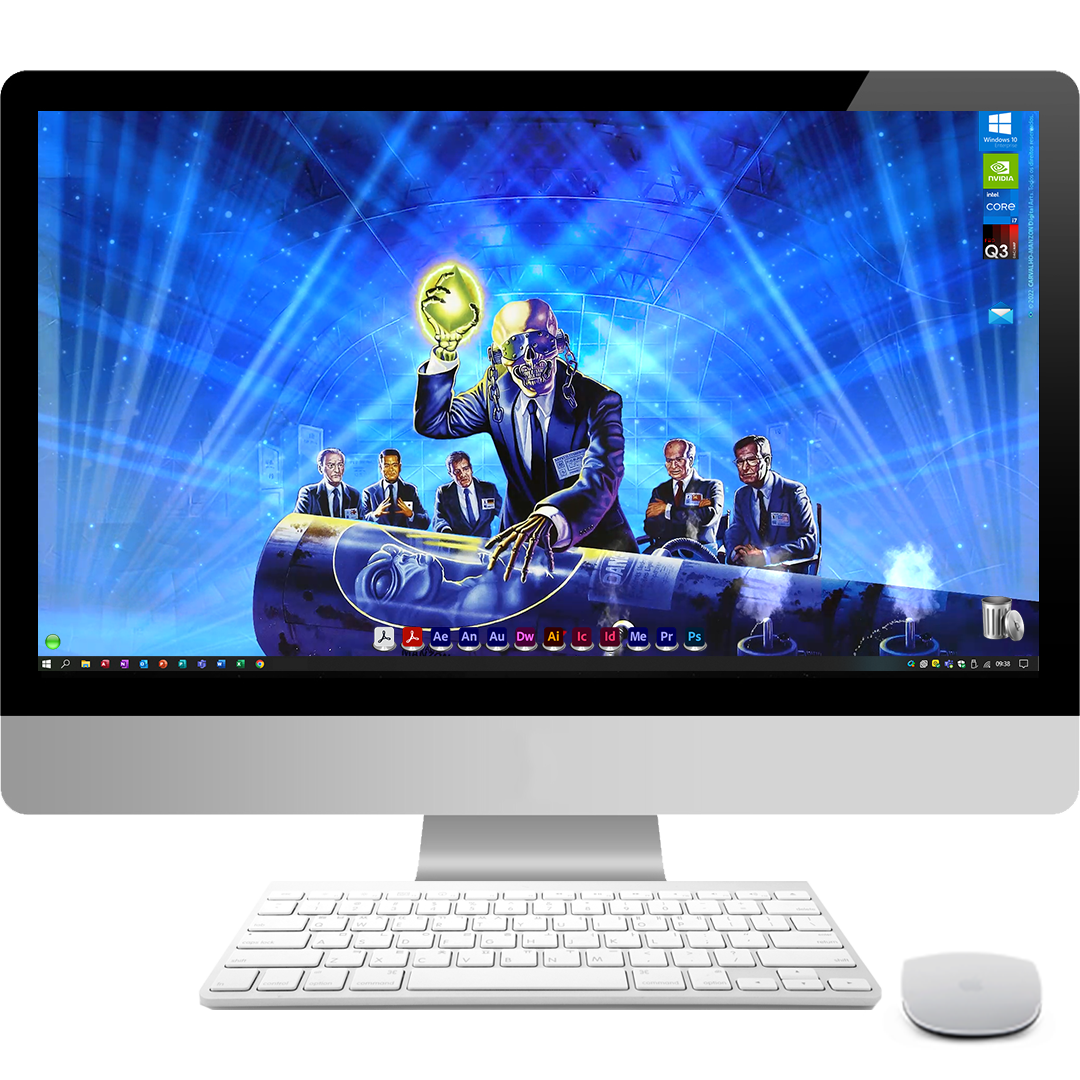
Step into this path of no return of animated wallpapers, but remember: you have been warned.

Now Available
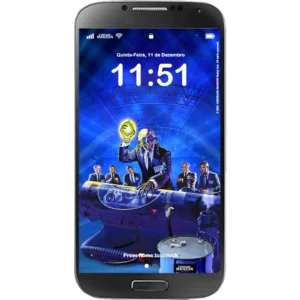
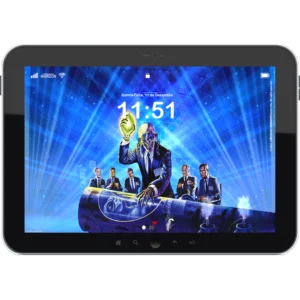
for Desktop, laptops, tablets and mobile.
Rust in Peace (1990)
Animated Album Cover Wallpapers

Main Features
Mutable Sound Effects
Wallpaper Engine Ready
Seamless Loop Animations
Full High Resolution Wallpapers
Exclusive High-Res Ambient Audio
Few devices may not support animated wallpapers as the cellphone's background or lock screen saver. Before purchasing, please check your device's compatibility with dynamic content such as animated *.GIF images and *.MP4s video files.
🕑 Your content goes here. Edit or remove this text inline or in the module Content settings. You can also style every aspect of this content in the module Design settings and even apply custom CSS to this text in the module Advanced settings.
Buy HD Wallpapers
for modest machines but demanding users.
Buy Full HD Wallpapers
the perfect balance of quality ¨& performance.
Buy Ultra HD Wallpapers
made especially for digital displays. Up to you!
Several devices may not support animated wallpapers as the cellphone's background or lock screen saver. Before purchasing, please check your device's compatibility with dynamic content such as animated *.GIF images and *.MP4s video files.
FIQUE POR DENTRO
🕑 Your content goes here. Edit or remove this text inline or in the module Content settings. You can also style every aspect of this content in the module Design settings and even apply custom CSS to this text in the module Advanced settings.
Customize Your Desktop
Personalize your desktop with animated album cover wallpapers of your favorite bands, all with tailor-made and exclusive audio with up to 4k resolution, and without leaving any detail of the original artwork aside.
Wallpaper Engine Ready
With Wallpaper Engine, you can utilize stunning live and dynamically animated album cover wallpapers to personalize your Windows desktop and supported mobile phones (such as Android) in all display resolutions and aspect ratios.
Ultra Small File Size
Although each seamless animated album cover wallpaper generally lasts an average of 30 seconds, they are all compact and portable, all very well optimized for good performance and produced to surprise and delight.
Exclusive Sound Effects
Each animated album cover wallpaper is a unique experience showcasing animated album covers with high-resolution audio and custom sound effects that perfectly complement the essence of each cover.
Available for Multiple Devices
From phones to tablets and beyond, with an enchanting touch to each.
Some devices may not support animated wallpapers as the cellphone's background or lock screen saver. Before purchasing, please check your device's compatibility with dynamic content such as animated *.GIF images and *.MP4s video files.
Album Cover Wallpapers
Now on Supported
Mobile Phones
Your mobile device may not support the use of animated wallpapers. Check compatibility.
Latest Questions
🕑 Your content goes here. Edit or remove this text inline or in the module Content settings. You can also style every aspect of this content in the module Design settings and even apply custom CSS to this text in the module Advanced settings.
How to Install Animated Wallpapers?
There are currently a variety of software applications that can support the use of animated wallpapers on your Windows desktop background. However, I recommend the use of the Wallpaper Engine software.
Related articles:
• How to Install Animated Wallpapers on Desktop PC?
• How to Install Animated Wallpapers on Cellphones?
• How to Install Animated Wallpapers on Tablets?
• How to Install Animated Wallpapers on Digital Frames?
What is Wallpaper Engine?
Wallpaper Engine is a well-optimized software application on Steam that allows stunning live wallpapers on your Windows desktop computer background. It supports various animated wallpapers, including 3D and 2D animations. It also allows users to use interactive and dynamic content while offering extensive customization options for multiple monitors, aspect ratios, and resolutions.
The software automatically pauses when playing games or using maximized apps to ensure high system performance. Also, it can tweak various other performance options and even set up rules when running apps.
This Steam-independent application supports all monitor resolutions, including ultra-wide screens.
How to Install Animated Wallpapers?
Go to Wallpaper Engine on Steam. Purchase and download the application. Once downloaded, install it on your computer.
Launch Wallpaper Engine from your Steam library.
In the Wallpaper Engine interface, click on the "Workshop" tab. Browse through the available wallpapers. You can use the search bar or filter options to find specific types of wallpapers.
When you find a wallpaper you like, click on it to open its page. Click the "Subscribe" button. This will download the wallpaper and add it to your library.
Go back to the "Installed" tab in Wallpaper Engine. Find the wallpaper you just subscribed to. Click on it, and then click the "Apply" button to set it as your desktop background.
You can also explore and download more wallpapers from the Steam Workshop by clicking on the "Browse Workshop" button within Wallpaper Engine. Subscribe to any additional wallpapers you like, and they will be added to your library for use.
Wallpaper Engine periodically updates to improve performance and add new features. Make sure to keep it up to date. You can check for updates in your Steam library or within the Wallpaper Engine application.
Do animated wallpapers have audio?
Yes, animated wallpapers include ambient sounds with exclusive sound effects that play along with the visual elements of the wallpaper. However, you can control the audio settings of each wallpaper within the application, including adjusting the volume or muting the sound entirely (recommended).
While audio enhances the experience, it may affect system performance, especially if the wallpaper is resource-intensive.
Is it possible to mute them?
Yes, you can control the audio settings of each wallpaper within the application, including adjusting the volume or muting the sound entirely (recommended).
Devices may not support animated wallpapers as the cellphone's background or lock screen saver. Before purchasing, please check your device's compatibility with dynamic content such as animated *.GIF images and *.MP4s video files.
 Spanish
  English